EldoLED TOOLbox pro
The TOOLbox pro is an easy-to-use, powerful configuration device for your eldoLED LED driver. Depending on the LED driver you need to configure, you will use either the FluxTool software or the ShowMaster DMX software. Both software programs are freely downloadable on the product pages under "Downloads".
With the FluxTool software, you can:
- program the driver via its LEDcode interface (e.g. precise current settings and dimming curve)
- set DMX parameters
- test DALI functionality
The ShowMaster DMX software lets you:
- use ShowMaster to create show sequences, manage show libraries and upload shows to the driver for standalone mode
- set DMX parameters (no LED output current settings)
Features
- advanced configuration parameters
- LED indicators for LEDcode, DMX and DALI activity
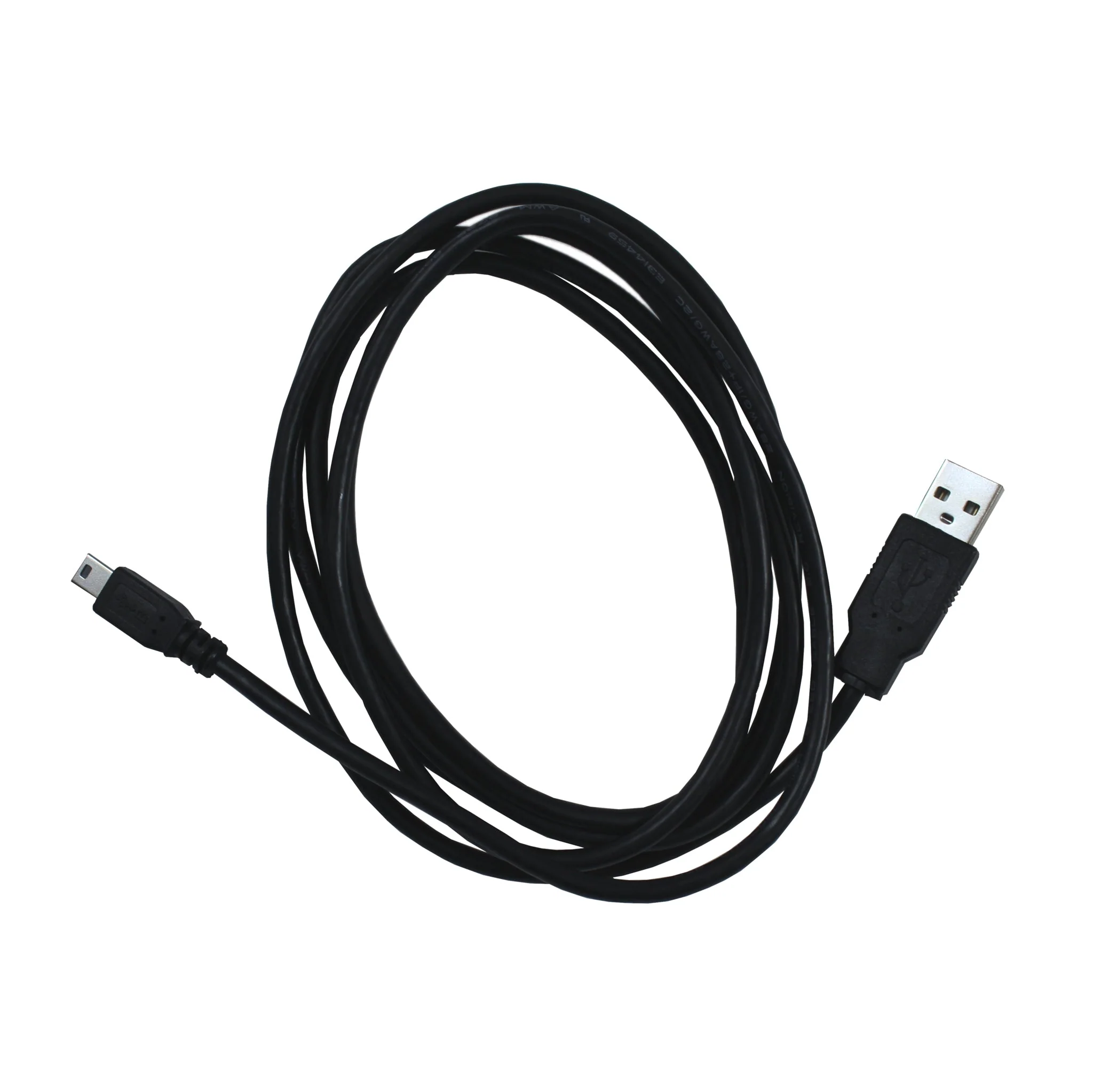
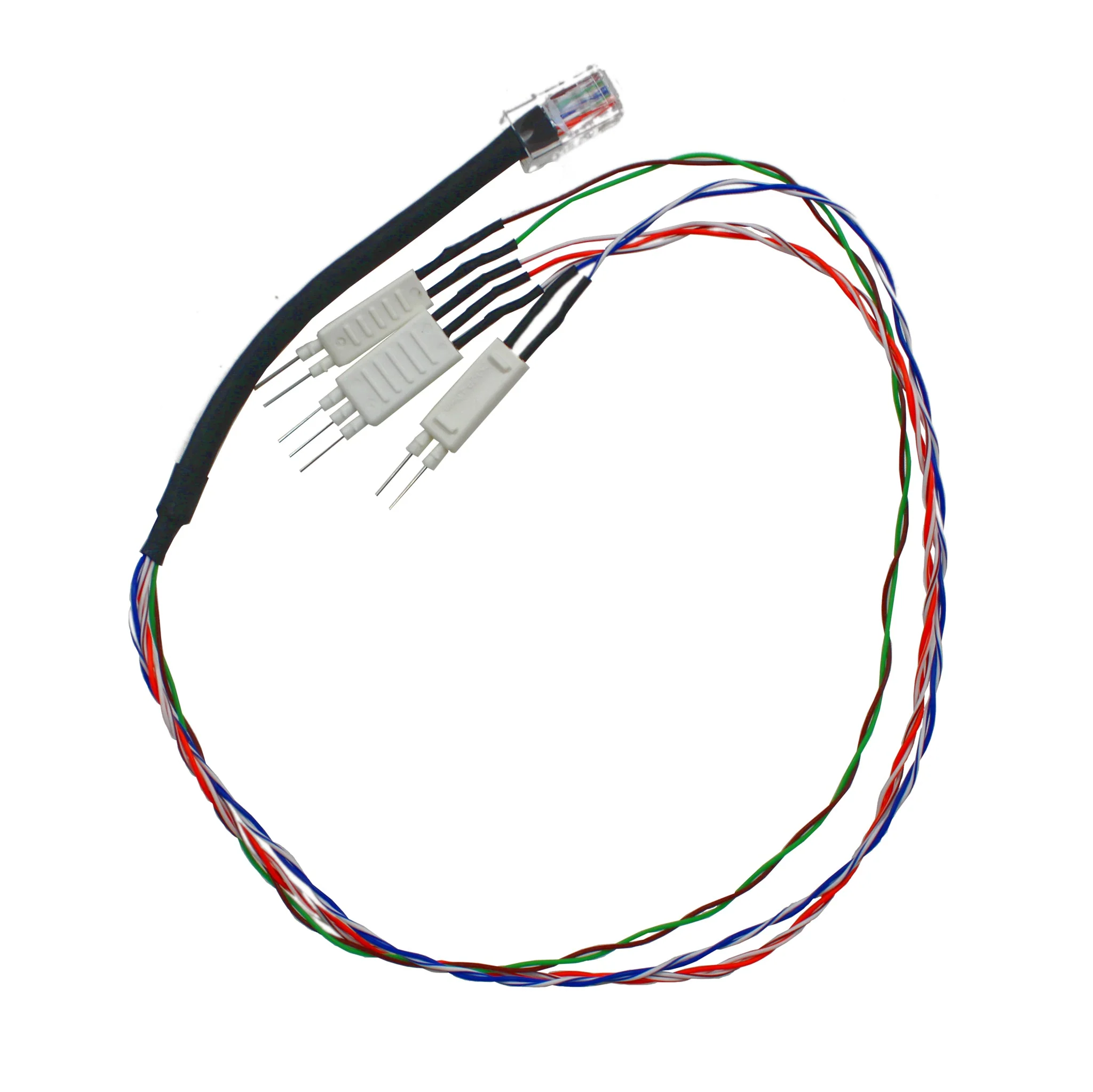
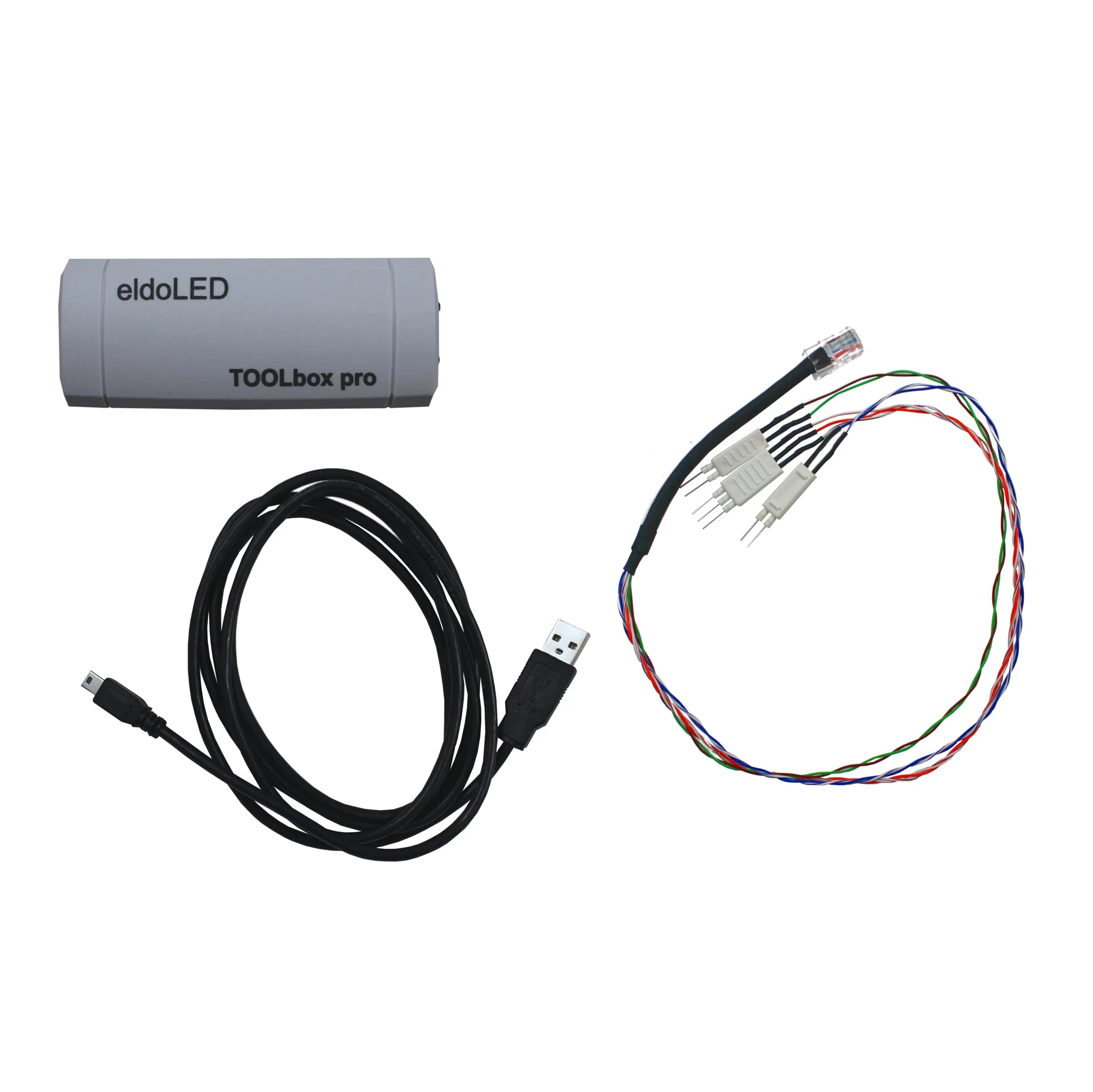
- Ethernet and USB cable included
Benefits
- in-field programming of drivers
- future proofing of installations
Downloads
Datasheet TLU20504
FluxTool 4 - How-to Guide
DMX parameters in FluxTool
Compatibility overview for eldoLED tooling
ShowMaster DMX software
FluxTool software
Product Information
Product Information
Shipping & Returns
Shipping & Returns
EldoLED TOOLbox pro
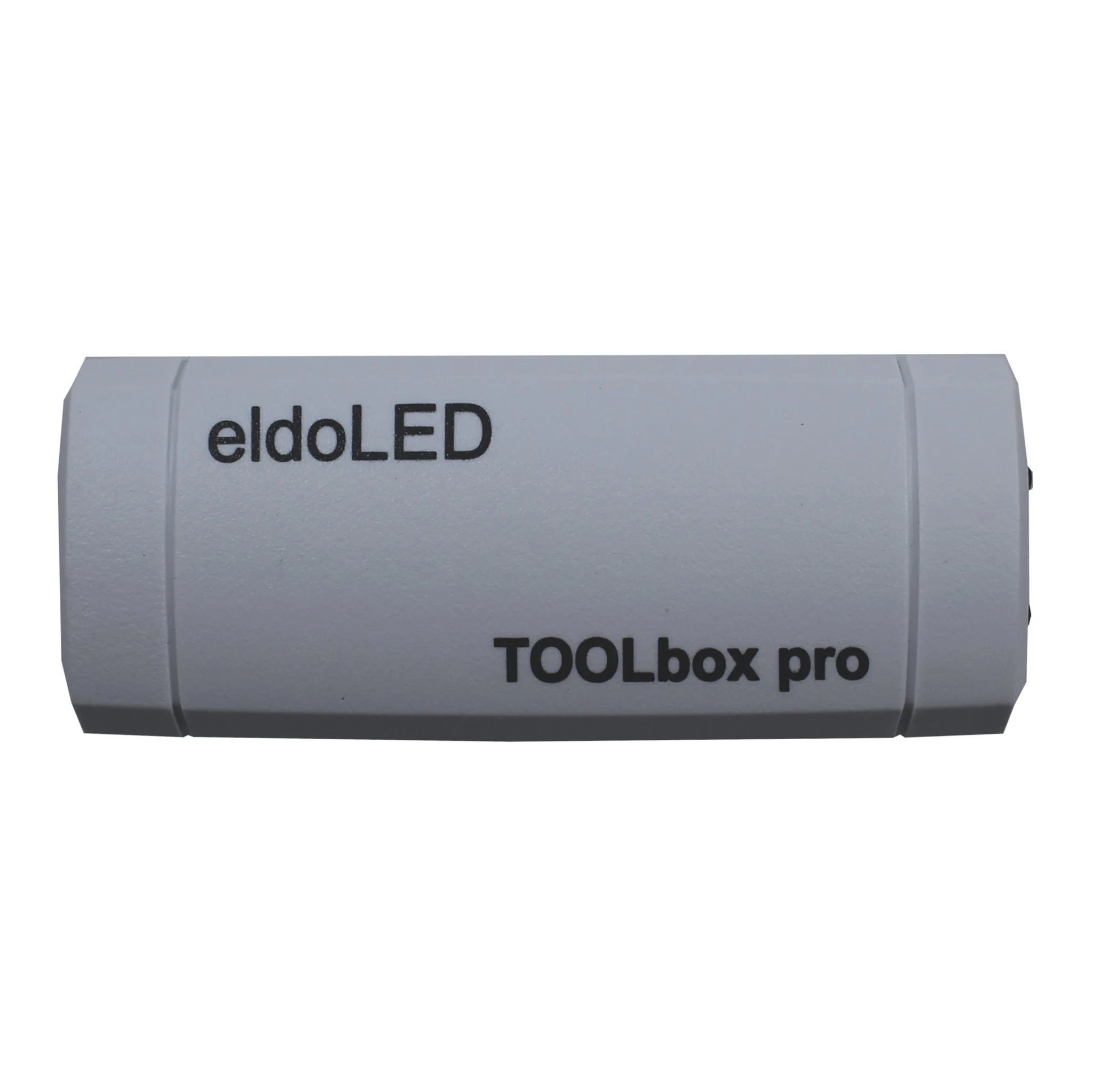
EldoLED TOOLbox pro
The TOOLbox pro is an easy-to-use, powerful configuration device for your eldoLED LED driver. Depending on the LED driver you need to configure, you will use either the FluxTool software or the ShowMaster DMX software. Both software programs are freely downloadable on the product pages under "Downloads".
With the FluxTool software, you can:
- program the driver via its LEDcode interface (e.g. precise current settings and dimming curve)
- set DMX parameters
- test DALI functionality
The ShowMaster DMX software lets you:
- use ShowMaster to create show sequences, manage show libraries and upload shows to the driver for standalone mode
- set DMX parameters (no LED output current settings)
Features
- advanced configuration parameters
- LED indicators for LEDcode, DMX and DALI activity
- Ethernet and USB cable included
Benefits
- in-field programming of drivers
- future proofing of installations
Downloads
Datasheet TLU20504
FluxTool 4 - How-to Guide
DMX parameters in FluxTool
Compatibility overview for eldoLED tooling
ShowMaster DMX software
FluxTool software
Product Information
Product Information
Shipping & Returns
Shipping & Returns
Description
The TOOLbox pro is an easy-to-use, powerful configuration device for your eldoLED LED driver. Depending on the LED driver you need to configure, you will use either the FluxTool software or the ShowMaster DMX software. Both software programs are freely downloadable on the product pages under "Downloads".
With the FluxTool software, you can:
- program the driver via its LEDcode interface (e.g. precise current settings and dimming curve)
- set DMX parameters
- test DALI functionality
The ShowMaster DMX software lets you:
- use ShowMaster to create show sequences, manage show libraries and upload shows to the driver for standalone mode
- set DMX parameters (no LED output current settings)
Features
- advanced configuration parameters
- LED indicators for LEDcode, DMX and DALI activity
- Ethernet and USB cable included
Benefits
- in-field programming of drivers
- future proofing of installations
Downloads
Datasheet TLU20504
FluxTool 4 - How-to Guide
DMX parameters in FluxTool
Compatibility overview for eldoLED tooling
ShowMaster DMX software
FluxTool software